Audio guide triggering modes
Brochure
Triggering mode compatibility
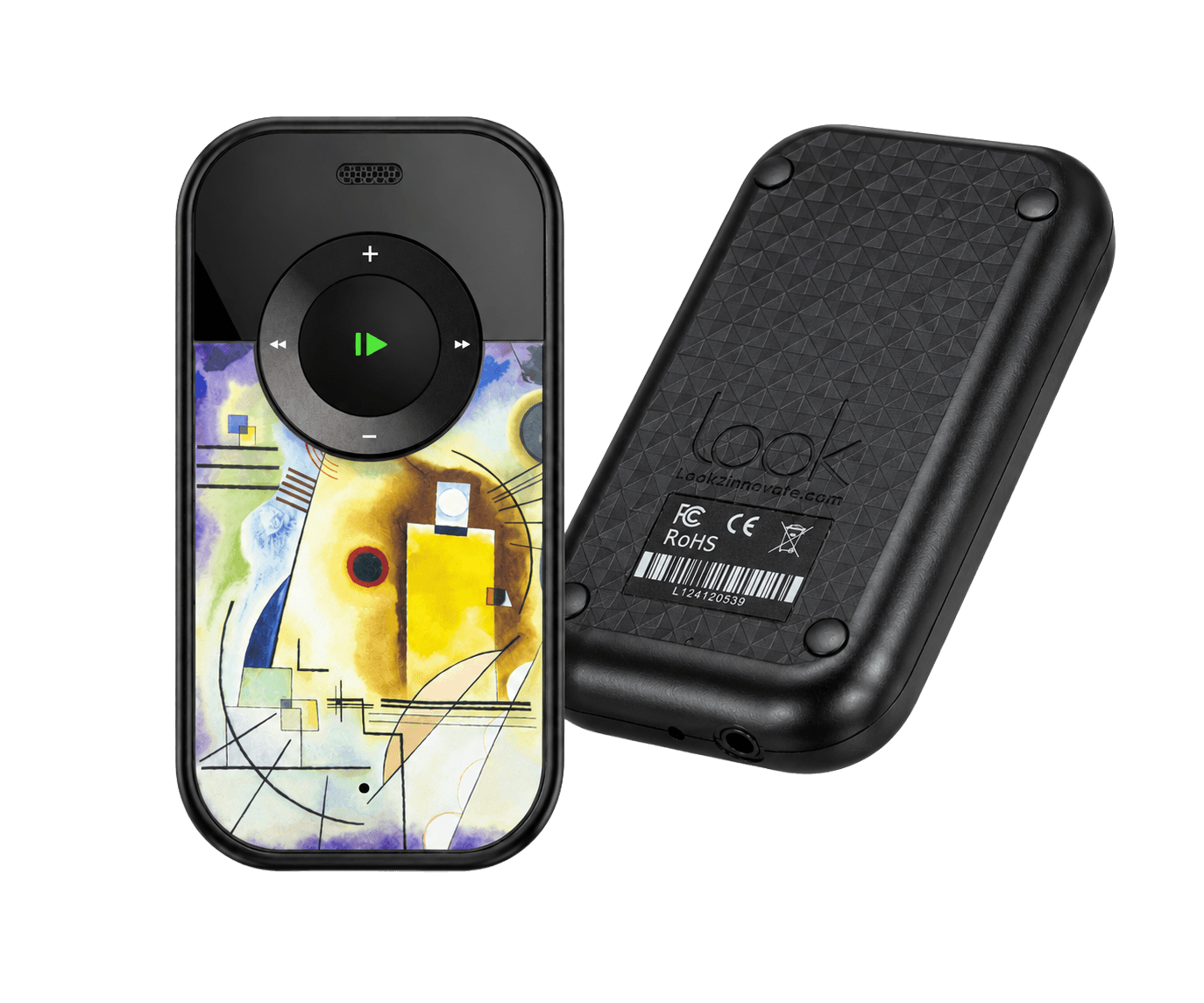
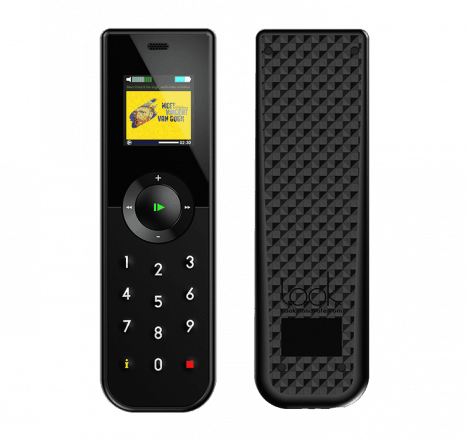
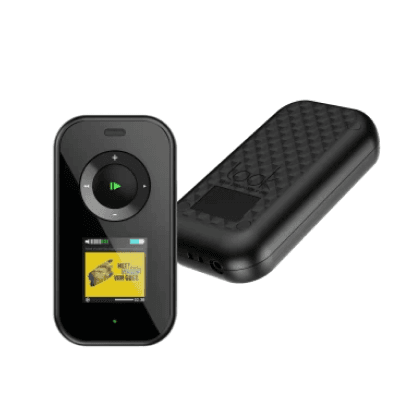
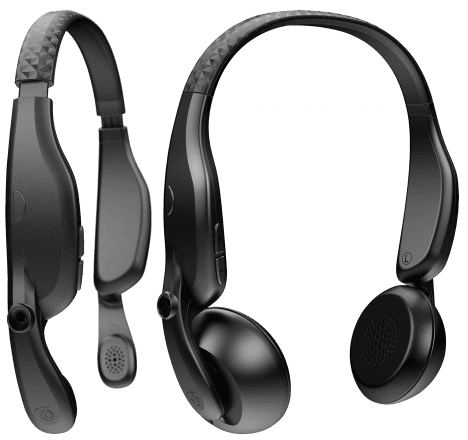
Compare audio guides and the Look 3 tablet. Tablet modes require compatible software.
| Triggering mode | Mini Trend | Trend | Style | Mini Style | Twister | Look 3 |
|---|---|---|---|---|---|---|
| Visitor-selected triggers | ||||||
| Manual number or keypad | Not compatible | Compatible | Compatible | Not compatible | Not compatible | Compatible |
| NFC or RFID tap | Not compatible | Not compatible | Not compatible | Not compatible | Not compatible | Compatible |
| Point & Click | Compatible | Compatible | Compatible | Compatible | Not compatible | Compatible |
| Buzz & Play | Compatible | Compatible | Compatible | Compatible | Not compatible | Compatible |
| Touchscreen map or list | Not compatible | Not compatible | Not compatible | Not compatible | Not compatible | Compatible |
| QR code | Not compatible | Not compatible | Not compatible | Not compatible | Not compatible | Compatible |
| Automatic and location-based triggers | ||||||
| Precise location triggering | Compatible | Compatible | Compatible | Compatible | Compatible | Compatible |
| Room triggering | Compatible | Compatible | Compatible | Compatible | Compatible | Compatible |
| Bluetooth Low Energy | Not compatible | Not compatible | Not compatible | Not compatible | Not compatible | Compatible |
| GPS | Not compatible | Not compatible | Not compatible | Not compatible | Not compatible | Compatible |
| AR or vision recognition | Not compatible | Not compatible | Not compatible | Not compatible | Not compatible | Compatible |
| Guide-controlled triggering | ||||||
| Guide-side remote triggering | Compatible | Compatible | Compatible | Compatible | Compatible | Compatible |

Visitor-selected triggers
The visitor makes a deliberate selection. These modes are easy to understand, reduce false starts and provide a dependable fallback.
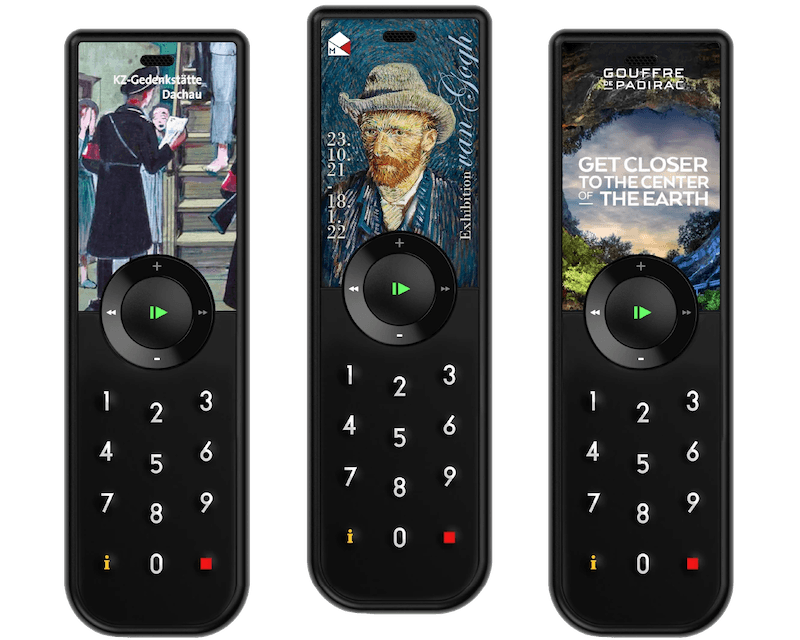
Manual number or keypad
Visitors enter the number shown beside an object. It is simple, robust and works without installed trigger infrastructure.
Best for: Permanent galleries, visible stop numbers and a universal fallback

NFC or RFID tap
A close tap or very short-range tag interaction selects the object precisely and intentionally.
Best for: Dense object displays and deliberate close-range selection
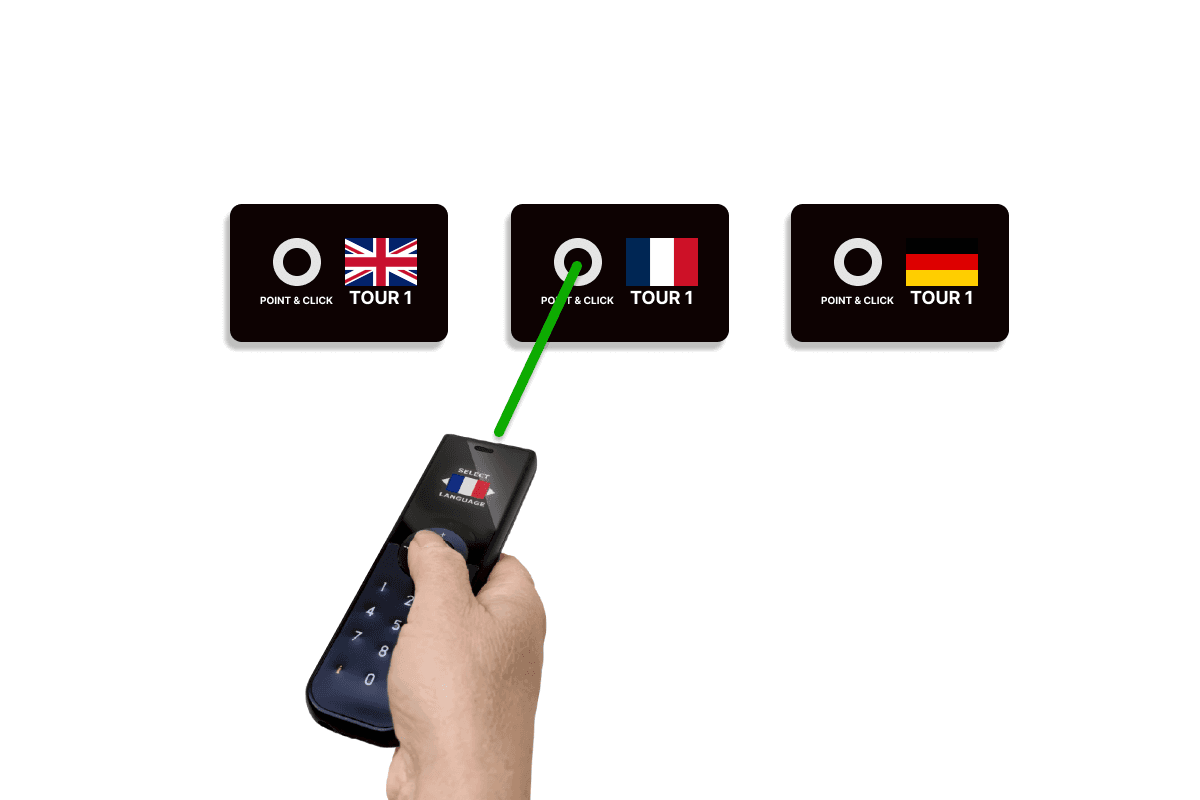
Point & Click
Visitors point the audio guide at a target and press to start the selected stop.
Best for: Playful, object-centred selection without a numbered keypad
Buzz & Play
The visitor approaches or touches a target and receives vibration feedback as the content starts.
Best for: Family routes, tactile interactions and exhibits where the trigger is part of the experience
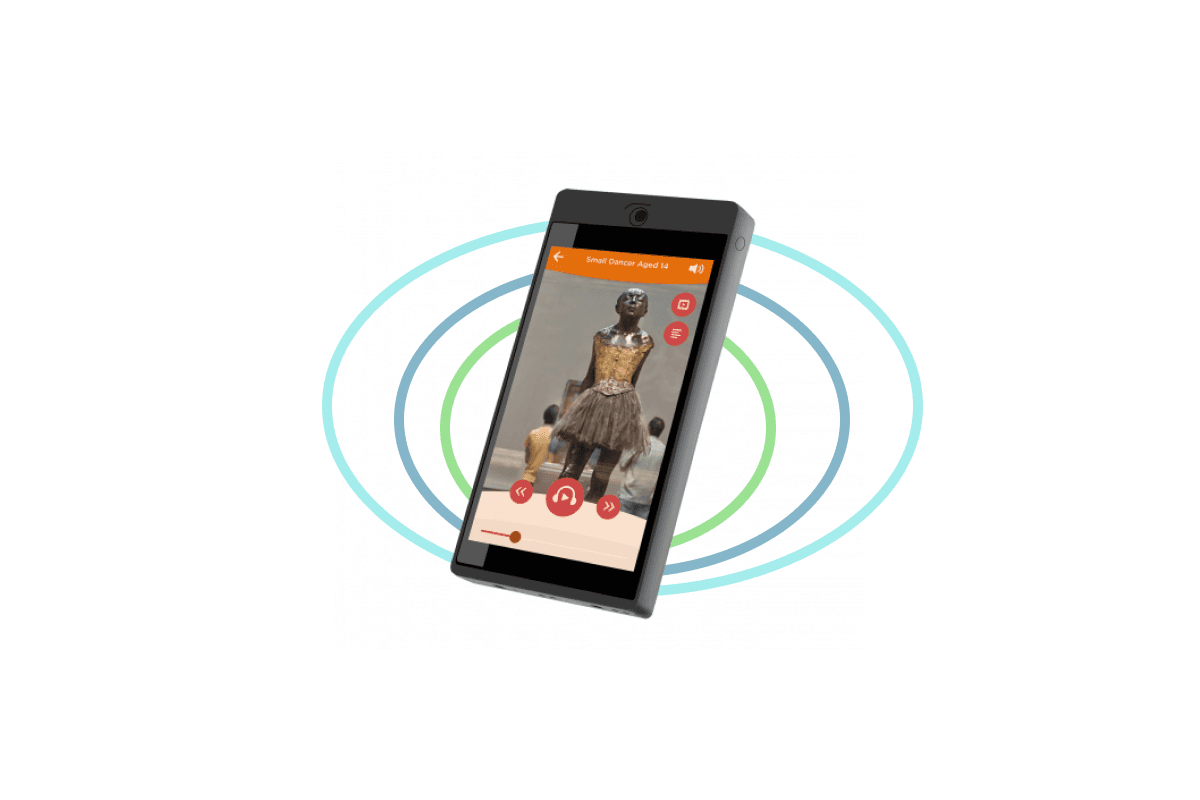
Touchscreen map or list
Visitors choose a stop from images, a map or a list on the tablet display.
Best for: Tablet tours, family routes, maps and visitor-led exploration
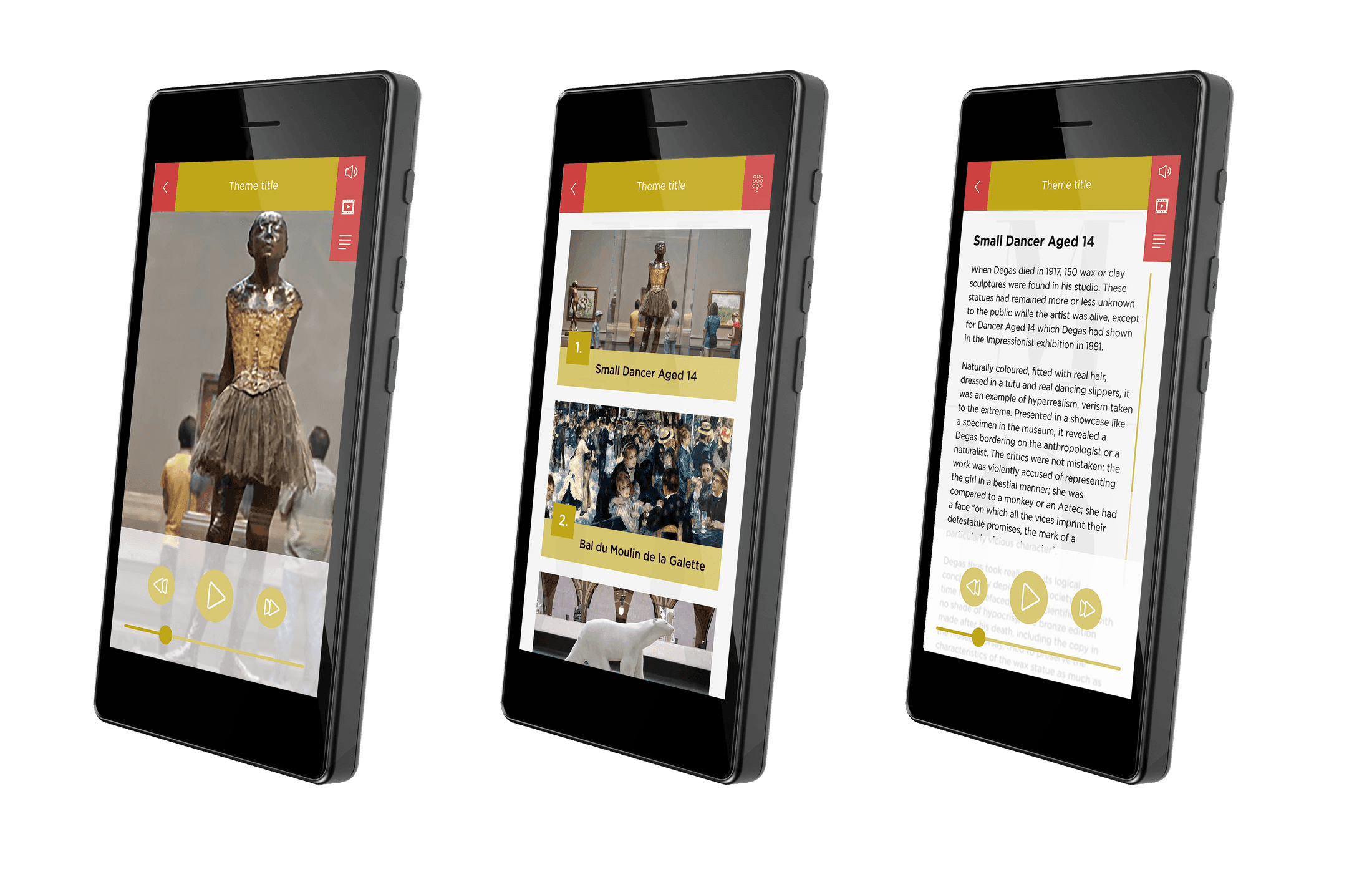
QR code
The visitor scans a printed code to open the matching stop on a tablet or phone.
Best for: Temporary exhibitions, visitor phones and easily replaced labels
Automatic and location-based triggers
The device responds to a transmitter, beacon, position or visual target. The gallery layout determines how precise the trigger can be.
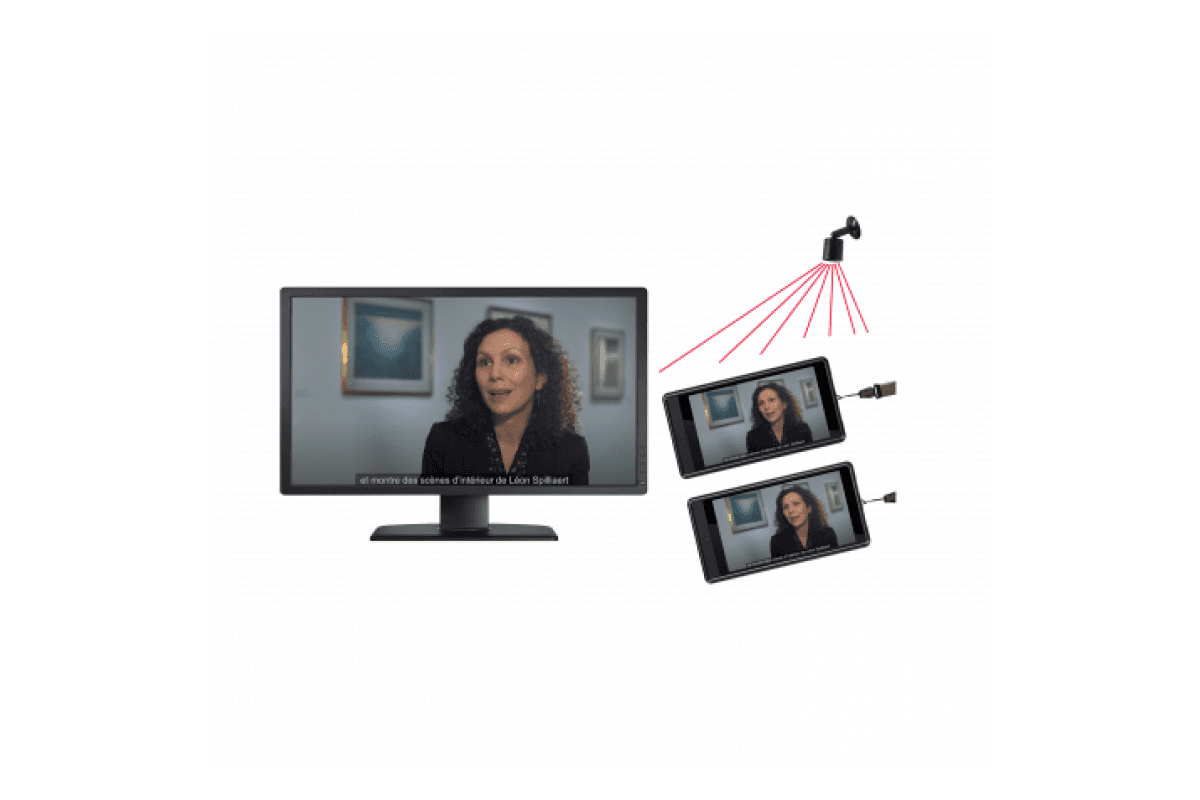
Precise location triggering
Content starts automatically when a visitor enters a tightly defined location. It works across all Look2Innovate devices, on its own or with synchronization.
Best for: Closely spaced exhibits, doorways and precise automatic zones

Room triggering
A compact battery-powered beacon starts content automatically across an adjustable room or zone without cabling. It works across all Look2Innovate devices, on its own or with synchronization.
Best for: Rooms, galleries, outdoor routes and flexible automatic zones

Bluetooth Low Energy
A tablet or app detects Bluetooth beacons for proximity prompts or indoor positioning.
Best for: Look 3 tablet projects, broad zones and map-based experiences
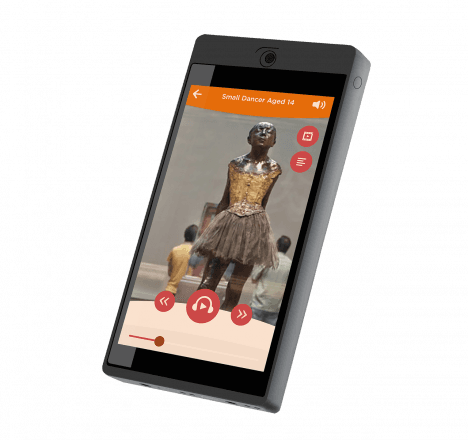
GPS
Outdoor coordinates start content as the visitor reaches a point along a route.
Best for: Heritage trails, parks, open-air museums and city tours

AR or vision recognition
The tablet camera recognises an artwork, object or visual target and opens the matching content.
Best for: Distinctive visual collections, object scanning and augmented reality
Guide-controlled triggering
A group leader starts pre-recorded content for visitor devices, keeping a guided group on the same stop and timing.

Triggered playback can also control the room
All Look2Innovate audio guides and tablets support triggering. Each trigger can work on its own to start local content, or it can be combined with the optional Sync AG synchronization box. Sync AG connects to a video player or show controller, normally by GPIO, and distributes timing wirelessly while the show runs.
Triggering mode FAQs
How many trigger points and synchronization boxes do I need?
The number follows the experience, not the number of visitor devices. Plan one trigger point for each on-demand location. Manual number entry needs no installed trigger point. Plan one Sync AG synchronization box for each independently synchronized room or show point.
Do the triggering modes need internet access?
Manual keypad, precise location, room and zone, Point & Click, Buzz & Play and guide-side triggering use local content and do not need internet during the visit. QR and app-based modes need connectivity only when their content is not stored on the device.
Can audio guides and tablets use the same triggers?
Yes. These triggering approaches are compatible across all Look2Innovate audio guides and tablets. The exact target configuration can vary by device family, so we confirm the final layout with an on-site test.
Which triggering modes suit closely spaced exhibits?
Use a deliberate selection such as number entry, Point & Click or NFC/RFID, or precise location triggering with a tightly defined area. Room, zone and Bluetooth signals change around people and materials, so adjacent positions must be tuned and tested together.
Can a trigger also start video, lighting or a show controller?
Yes. Sync AG can connect to a video player or show controller, normally by GPIO, and keep visitor audio aligned wirelessly. Synchronization is optional: the same trigger can simply start local content without controlling the room.
Choose the right trigger mix for your space
Share the floor plan, object spacing, visitor flow and device type. We will recommend the simplest reliable combination and test it in the exhibition.
Discuss your triggering plan