Tablets for Museum Visits
Museum tablets and Mediaguides with IR location triggers, all-day battery, and an SDK for custom apps.

Look 3

Look
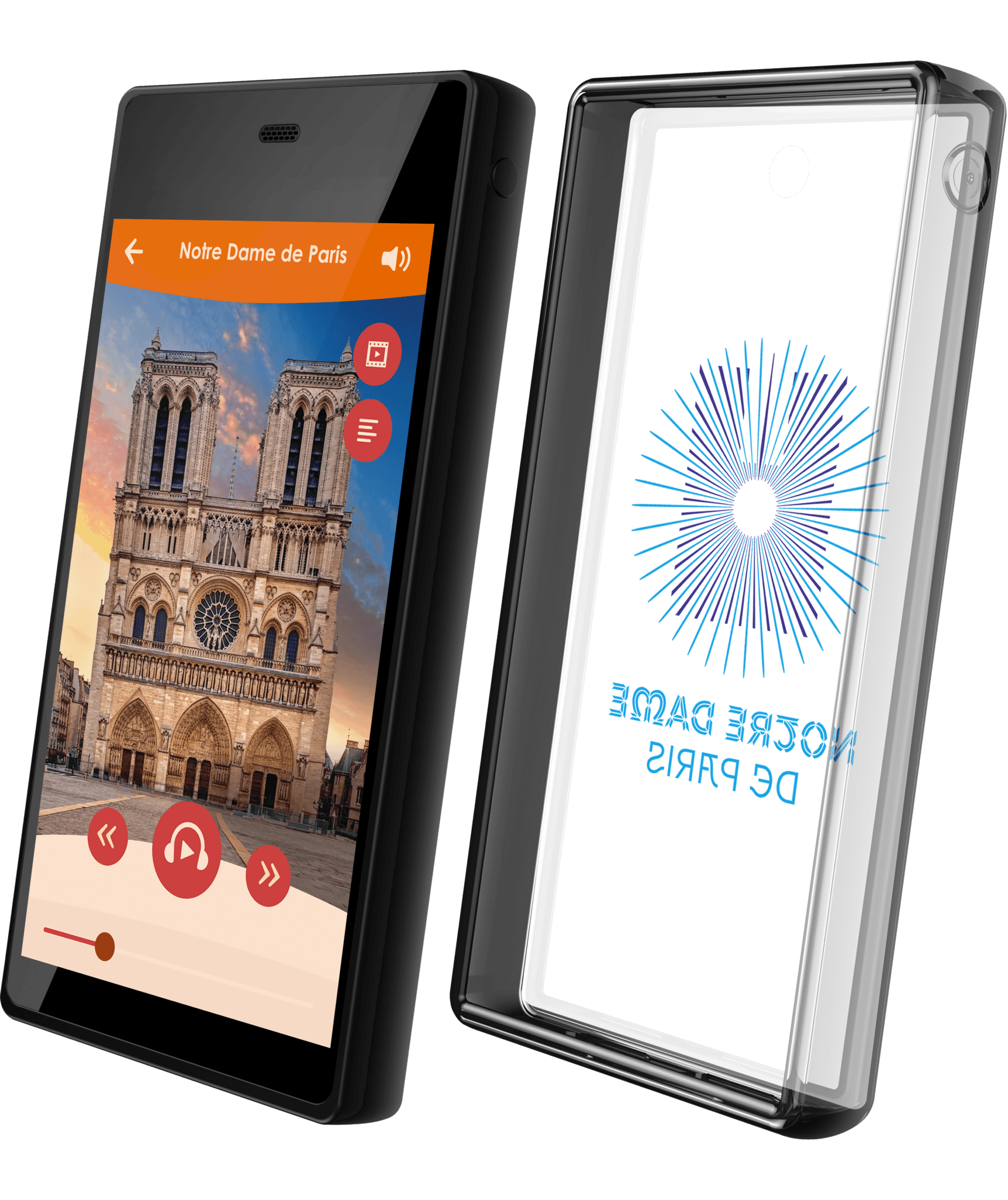
Software
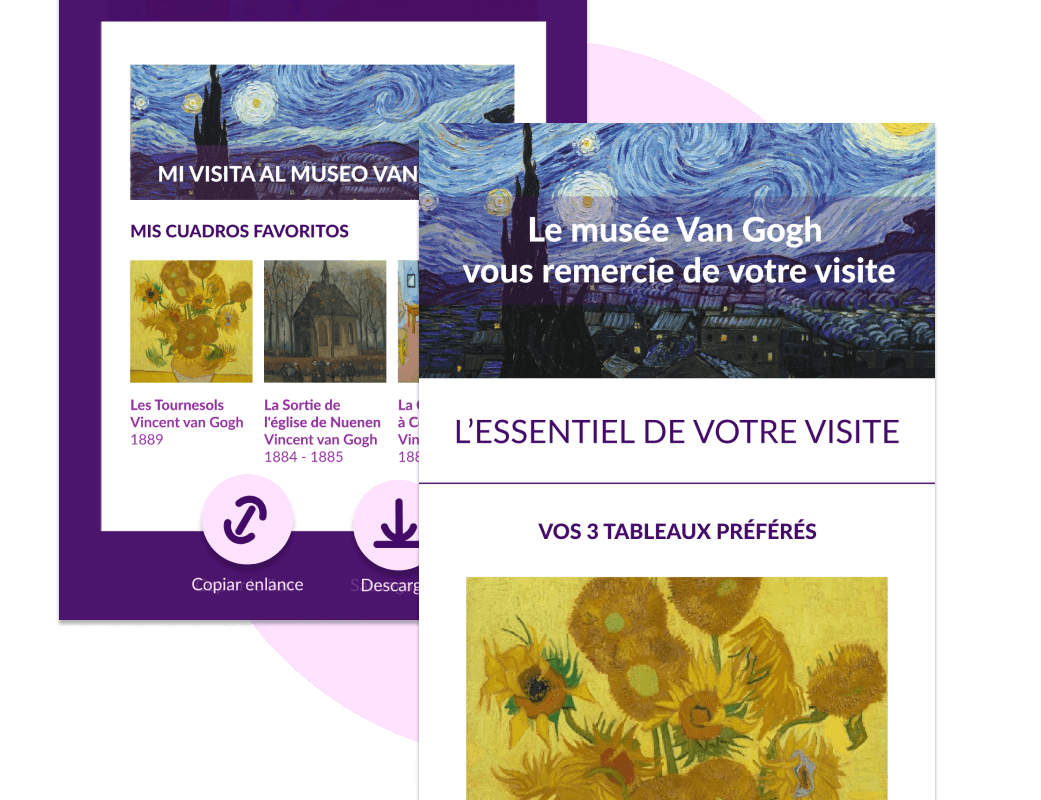
Accessories

Need some help?
We can advise on the best possible solutions for your visitors. Speak to our experts today.
Museum tablet FAQ
What are the main Look3 museum tablet specifications?
Third-generation Look3 runs Android 14 with Google Mobile Services and has 6 GB of memory, 128 GB of storage, a 5.5-inch 720 × 1280 touchscreen and a 6000 mAh battery. Connectivity includes Wi-Fi, Bluetooth 5.0, NFC, GPS, infrared, USB-C, a magnetic dock, a 3.5 mm audio jack, speaker and microphone.
Can Look3 play video and other museum multimedia?
Yes. Look3 can combine audio, full video, images, maps, captions, sign-language video, augmented reality and other app-based interactions on one touchscreen. It is the better format when a visit depends on visual or interactive content, not audio alone.
Can we run our own Android app or PWA on Look3?
Yes. Look3 is designed for dedicated museum applications and can run a custom Android app or an integrated web application. An SDK and APIs are available for projects that need Look2Innovate triggering or synchronization features; deployment work, permissions and support depend on the selected app and service package.
How does location-based triggering work on Look3?
Look3 can integrate QR codes, GPS, Bluetooth, infrared, radio-frequency or NFC triggers, depending on the application and route. Content can start as a visitor approaches an exhibit, scans a code or reaches an outdoor location. The app must use the relevant hardware or SDK, and each trigger plan is configured for the project.
Can a museum tablet tour work without Wi-Fi?
Yes, when the app and tour are designed for offline use. Audio, video, maps and other content can be stored on the tablet, and local exhibit triggers do not require continuous Wi-Fi. Live analytics, remote updates and other connected services need network access when they synchronize.
Can museum tablets be locked to one app and managed remotely?
Yes. Look2MDM can enforce single-app kiosk mode, control approved applications, apply device policies and deploy updates across a tablet fleet. Remote management is configured as part of the selected software and support package, so enrollment, monitoring and staff controls depend on the project.
How long does the Look3 battery last, and how are tablets charged?
Look3 provides more than 15 hours of continuous use and typically covers two days of normal museum operation. Stackable 10-slot charging towers use magnetic dock contacts and can handle charging and parallel data transfer, making the system practical for small or large fleets.
Which Look3 accessories and accessibility options are available?
Projects can include protective silicone cases, tempered-glass protection, straps, charging stations, lightweight earsets, spare headsets and induction loops for hearing-aid users. Look3 also has a built-in speaker and 3.5 mm audio connection. Captions, sign-language video and audio description are added through the tour content and app.
How durable is Look3 for daily public use?
Look3 is built for public distribution with tempered glass, a shock-absorbing silicone case and a design tested for drops from two metres. Its mainboard is weather-resistant for outdoor routes. Repair and spare-part arrangements depend on the production model and service contract.
Can Look3 provide visitor analytics and content management?
Yes, in a configured Look2Guide, Look2MDM or custom CMS deployment. The software can manage content and collect usage data, while connected chargers or tablets synchronize updates and reports. Available dashboards and data points depend on the chosen application and service package.