Touchscreen map or list
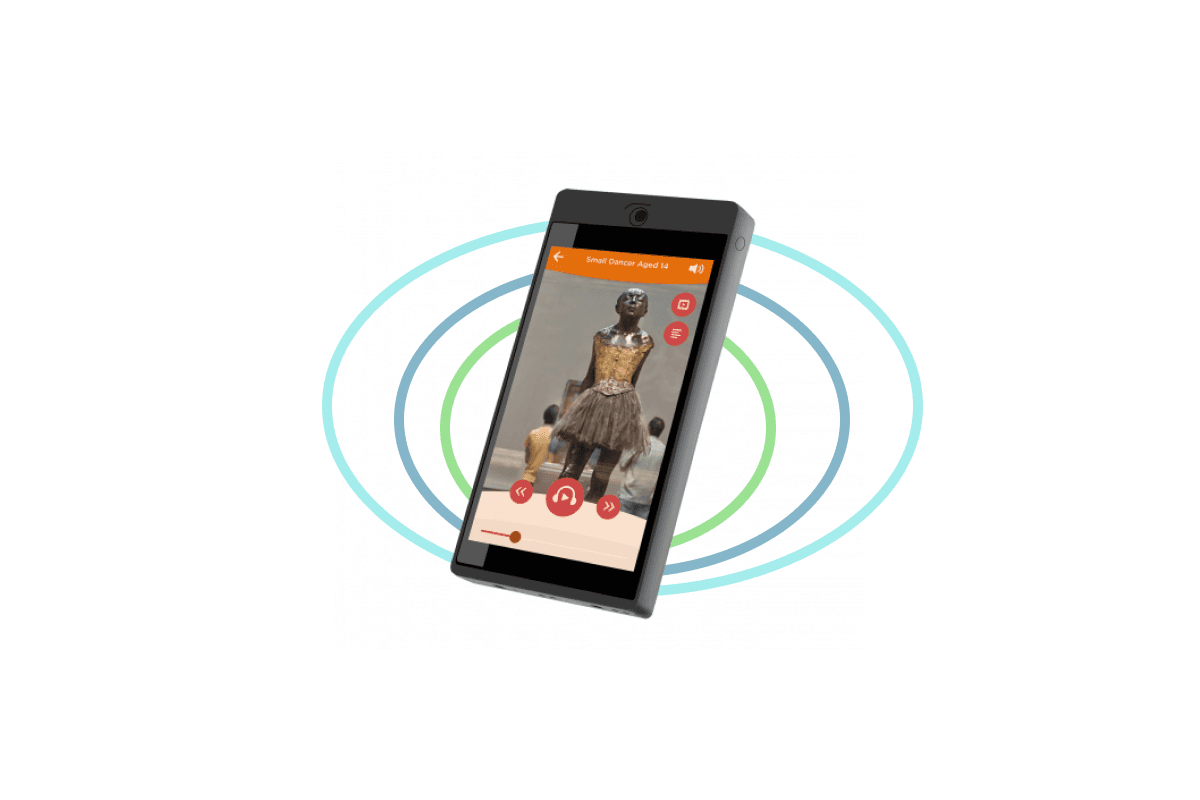
Visitors choose a stop from images, a map or a list on the tablet display.
How it works
The tablet app presents stops as images, map points or a list. Tapping an item calls the linked content ID and opens the audio, video or accessible media stored for that stop. The interface can separate languages, routes and visitor profiles. It needs careful navigation, readable touch targets and testing on the final screen size.
Triggered playback can also control the room
All Look2Innovate audio guides and tablets support triggering. Each trigger can work on its own to start local content, or it can be combined with the optional Sync AG synchronization box. Sync AG connects to a video player or show controller, normally by GPIO, and distributes timing wirelessly while the show runs.
Triggering mode FAQs
Can a touchscreen tour work without internet?
Yes, when the app and media are stored on the tablet. A web-based tour needs connectivity unless its content has been prepared for offline use.
Choose the right trigger mix for your space
Share the floor plan, object spacing, visitor flow and device type. We will recommend the simplest reliable combination and test it in the exhibition.