Manual number or keypad
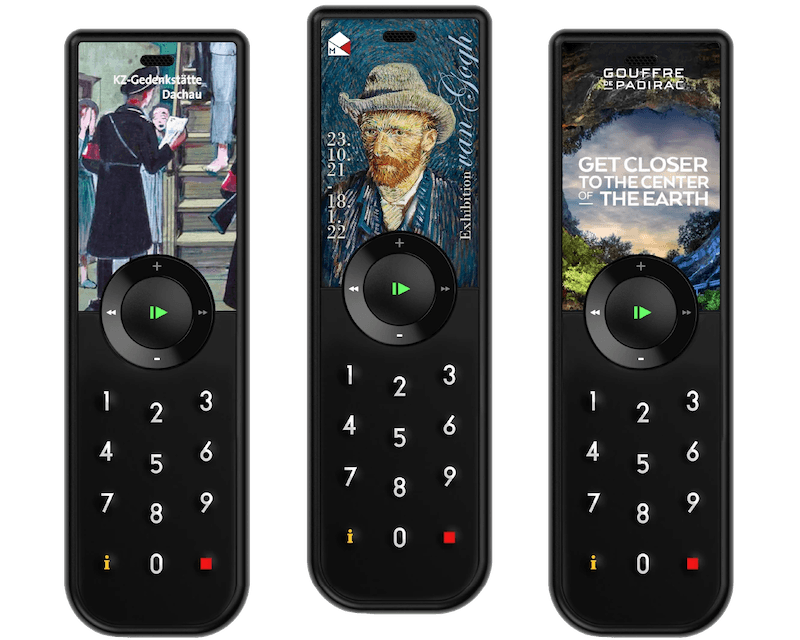
Visitors enter the number shown beside an object. It is simple, robust and works without installed trigger infrastructure.
How it works
Each stop number is mapped to an audio track in Look2Guide and loaded onto the device. The visitor types the number printed beside the object, and the device plays the matching track from local storage. No beacon, transmitter or network is needed in the gallery. Staff only need to keep the printed number and content mapping aligned.
Triggered playback can also control the room
All Look2Innovate audio guides and tablets support triggering. Each trigger can work on its own to start local content, or it can be combined with the optional Sync AG synchronization box. Sync AG connects to a video player or show controller, normally by GPIO, and distributes timing wirelessly while the show runs.
Triggering mode FAQs
Does manual number entry need a trigger point?
No. The number maps directly to content stored on the device, so there is no beacon or transmitter to install. It also works well as a fallback beside automatic triggering.
Choose the right trigger mix for your space
Share the floor plan, object spacing, visitor flow and device type. We will recommend the simplest reliable combination and test it in the exhibition.