Point & Click
Visitors point the audio guide at a target and press to start the selected stop.
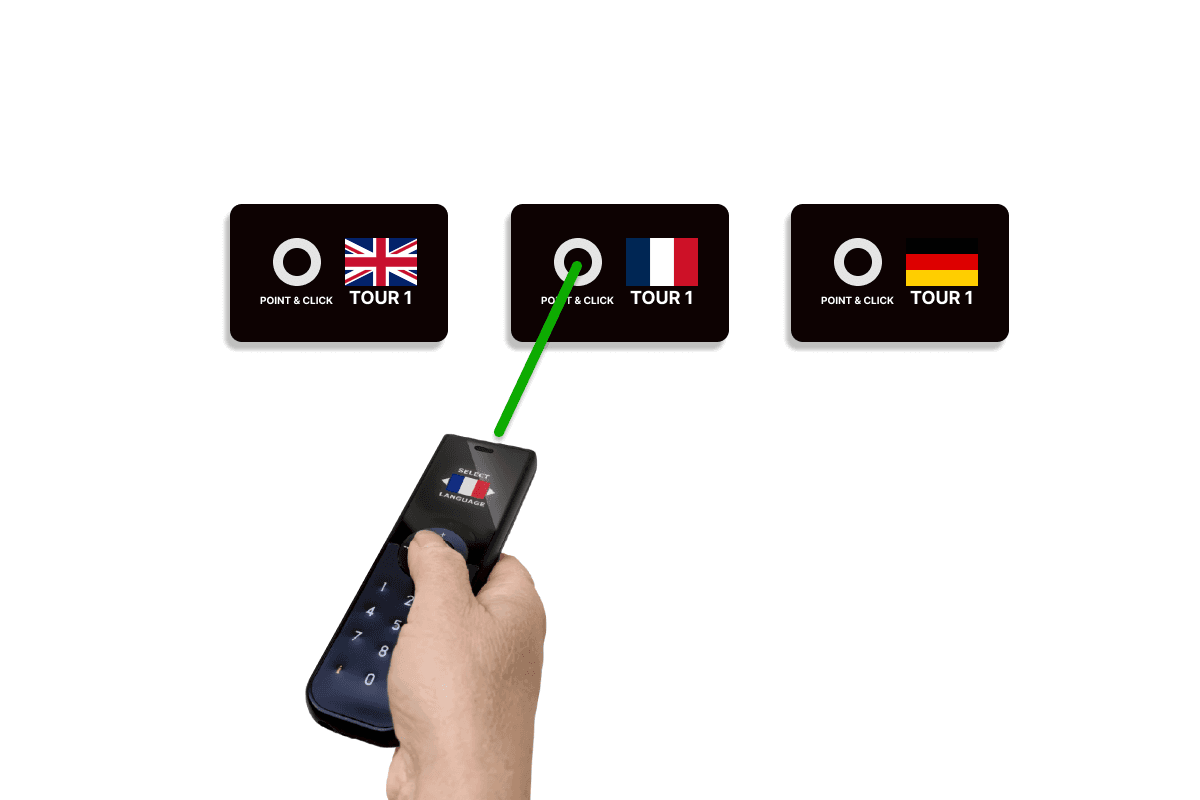
How it works
The visitor aims the audio guide at a TARGET AG and presses the trigger button. In its normal wait mode, the target receives the guide's infrared request and returns the assigned radio content ID to that guide before returning to standby. The target runs on two AA batteries, its range is adjustable, and its cover can carry exhibit graphics. Clear line of sight and a comfortable pointing height are important.
Triggered playback can also control the room
All Look2Innovate audio guides and tablets support triggering. Each trigger can work on its own to start local content, or it can be combined with the optional Sync AG synchronization box. Sync AG connects to a video player or show controller, normally by GPIO, and distributes timing wirelessly while the show runs.
Triggering mode FAQs
Why does Point & Click reduce accidental starts?
The visitor deliberately aims and presses. The target answers that guide's infrared request with its content ID, rather than broadcasting the same start command to every nearby device.
Choose the right trigger mix for your space
Share the floor plan, object spacing, visitor flow and device type. We will recommend the simplest reliable combination and test it in the exhibition.