Audio guide planning
Museum audio guide triggering modes: pros and cons
A practical comparison of manual, RF, infrared, RFID, Bluetooth, GPS, UWB, AR, vision, Point & Click, Buzz & Play, and guide-side triggering for museum audio guides.
The right triggering mode for a museum audio guide depends on how much certainty the room needs. Manual numbers and keypads are still the simplest answer for many galleries. Infrared is usually the cleanest automatic option when a stop must trigger in a narrow, directional zone. RF beacons are lighter and easier to place, with less directional control. Bluetooth Low Energy beacons are useful for tablet and app projects, including Look 3 deployments, but they are less predictable than purpose-built museum RF or infrared triggers. Camera recognition and AR can work well on tablets when the object itself is visually distinctive. With Look2Innovate hardware, the same trigger event can also synchronise playback with external video, digital signage or show controllers after the audio guide has been triggered.
Start from visitor behaviour
Triggering is a curatorial and operational decision before it is a technical one. A stop can start because the visitor types a number, taps a tag, enters a radio zone, crosses an infrared beam, points at a target, scans an artwork, follows a map, or because a group leader starts it remotely. Each method changes how much the visitor must do and how much the museum must install.
As a rule of thumb: use keypad or manual selection for simplicity, infrared for narrow automatic zones, RF for lightweight room or stop beacons, Look 3 Bluetooth for tablet proximity, GPS for outdoor trails, and vision or AR when the object is visually distinctive.
The useful questions are simple. Does the content need to start hands-free? Does the trigger need to separate two objects one metre apart? Can the museum mount visible transmitters? Will the route change often? Are visitors using dedicated audio guides, their own phones, or tablets? In Look2Innovate deployments, the answer is often a mixed system: simple manual fallback, deterministic IR or RF where automatic playback matters, and richer tablet sensors where maps, AR or video add value.
Triggering modes compared
| Triggering mode | Best fit | Pros | Cons |
|---|---|---|---|
| Manual number or keypad | Most object labels and permanent galleries | Simple, robust, cheap to maintain, obvious to staff, and easy to duplicate in printed guides. | Not hands-free, depends on visible stop numbers, and can feel less immersive in theatrical rooms. |
| Touchscreen map or list | Tablet guides, family tours, maps, and route selection | Good for images, languages, maps, accessibility options, and visitor choice. | Needs a screen, more interface design, more content QA, and can pull attention away from the object. |
| QR code | Bring-your-own-device tours and low-budget temporary exhibits | Cheap, familiar, printable, and easy to change when URLs are managed well. | Requires camera use, visible codes, lighting, connectivity or preloaded content, and a visitor action at every stop. |
| NFC or RFID tap | Intentional close-range object selection | Very precise because the visitor must tap or come very close. The NFC Forum describes NFC as a short-range technology with a typical range up to 2cm. | Not hands-free, needs tags or readers, can be awkward through cases or glass, and may not be available on every visitor device. |
| RF beacon | Room, zone, or stop triggering where cabling is hard | Battery-powered beacons are lightweight, discreet, easy to place, and can be tuned for very short trigger distances. | Radio is not naturally directional. Nearby rooms, metalwork, bodies, and reflections can affect the practical trigger boundary. |
| Infrared | Narrow automatic zones, display cases, and synchronised rooms | Directional and easy to contain, so it is often the best choice for deterministic object-level or doorway-level triggering. | Needs line of sight, careful aiming, and physical placement. People, walls, cases, and bright light conditions must be tested. |
| Bluetooth Low Energy beacon | Tablet and app projects, proximity prompts, and broad zones | Low-power, widely supported, and useful on Look 3 tablet projects. BLE can also support more advanced direction finding; Bluetooth SIG describes AoA and AoD positioning methods. | RSSI-based proximity is unstable in galleries: body blocking, reflections, neighbouring-room signals, calibration drift, beacon batteries, phone OS behaviour, and scanning latency all matter. |
| GPS | Outdoor heritage routes, parks, and city trails | Works without indoor beacon infrastructure and can trigger by outdoor location. | Poor fit indoors. GPS.gov lists indoor use, signal blockage, and multipath reflections as causes of degraded accuracy. |
| Ultra-wideband | High-precision indoor positioning pilots | Can support much finer ranging than conventional radio systems in the right infrastructure. NIST notes UWB's promise for precision ranging. | Requires anchors, compatible devices, calibration, and specialist deployment. It is usually more infrastructure than a normal audio guide stop needs. |
| AR or vision recognition | Tablet tours, paintings, visual collections, and object-led discovery | No beacon is needed beside every object. The visitor can scan the object itself, as in Smartify-style camera scanning described by Smartify. | Needs camera permission, image preparation, lighting tests, rights checks, and distinctive objects. Similar works or dark rooms can reduce reliability. |
| Point & Click | Playful object selection without a keypad | Visitors point the guide at a target and trigger intentionally. It keeps the action physical and object-centred on devices such as Style and Mini Style. | Requires targets, visitor understanding and an intentional action. |
| Buzz & Play | Tactile interaction, family routes, and moments where touching a target is part of the design | Simple visitor action with haptic feedback. Useful where the museum wants the trigger to feel like part of the exhibit. | Needs physical targets, cleaning planning, and a route where touch or close approach is appropriate. |
| Guide-side remote triggering | School groups, VIP tours, educator-led visits, and multilingual group tours | The guide controls timing for the group and can start pre-recorded messages on visitor devices. Style and Mini Style support this hybrid audio guide and tour-guide workflow. | Works for led groups, not free-roaming visitors. Staff need training and the route must be rehearsed. |
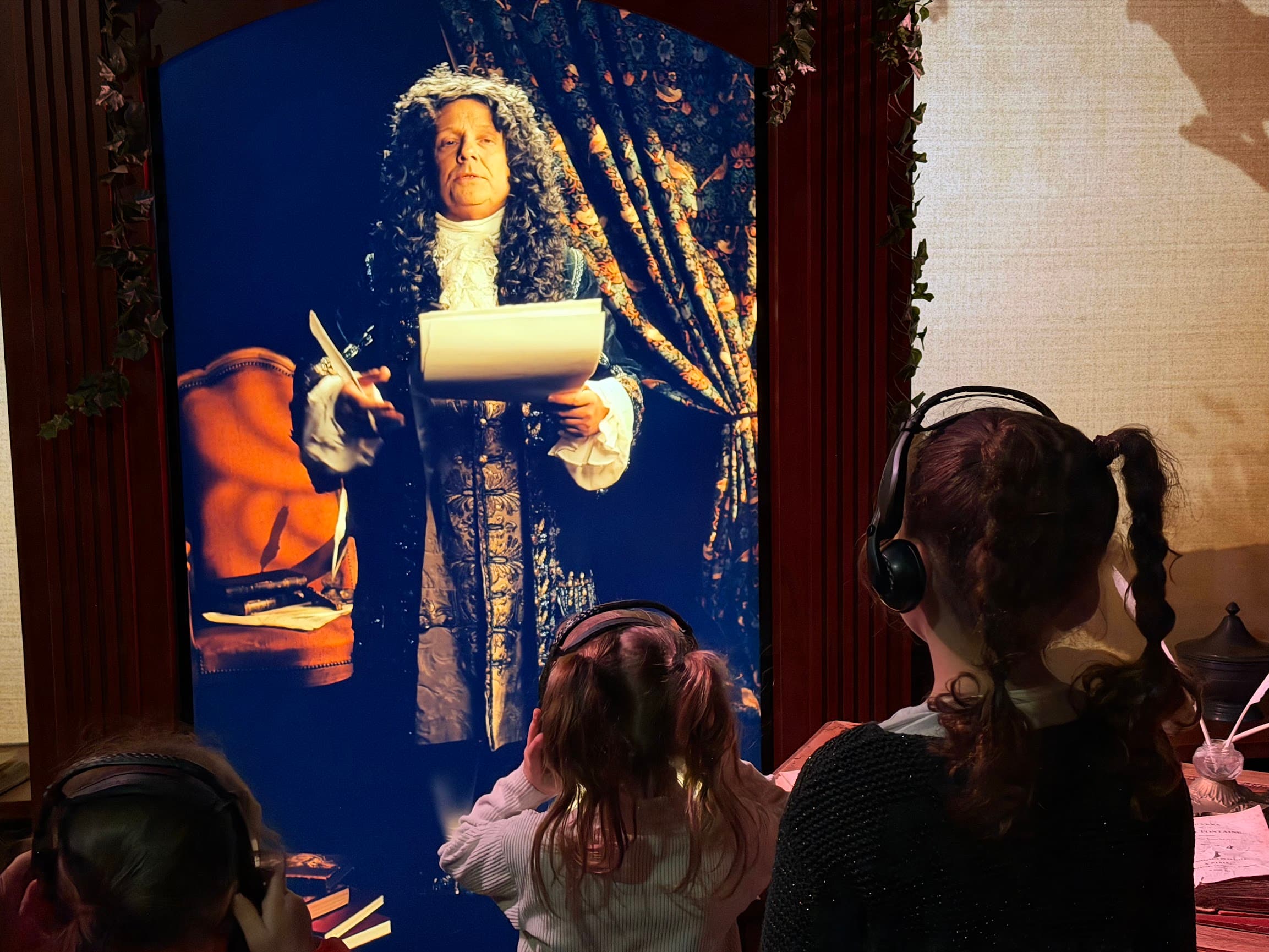
| Video or show-controller synchronisation after triggering | Immersive rooms, projections, digital signage, timed media, and show control | With Look2Innovate hardware, the trigger can start visitor audio and also synchronise playback with external video, projections, digital signage or show controllers. | The trigger method and synchronisation method still need room testing, especially where several languages, headphones and room speakers run together. |
Test automatic trigger boundaries in the gallery
Infrared triggering
Infrared triggering is directional. Aim it at a defined receiving area, test the visitor path, and use line of sight to separate one zone from another. This makes it useful for display cases, doorways, synchronised media rooms and stops where two triggers sit close together.
The trade-off is installation discipline. The transmitter must be placed, angled and tested in the actual gallery. A person, wall, case edge or unusual lighting condition can change the result. For narrow automatic triggering, that discipline is usually worth it.
RF triggering
RF triggering is practical when the museum needs lightweight, battery-powered beacons that can be placed without heavy cabling. In Look2Innovate systems, RF can be tuned for close trigger zones and is proven for high-volume visitor use on dedicated audio guides such as Trend and TWISTER.
RF can be made short range, even down to very small practical trigger zones, but it cannot be shaped like infrared. It spreads, reflects and leaks through some boundaries. Use RF for robust zones, and use a more directional method when two adjacent objects must be separated with centimetre-level confidence.
Bluetooth Low Energy triggering
Bluetooth Low Energy beacons are common in indoor positioning because they are low-power and widely supported. They fit tablet and app projects where the device already has Bluetooth scanning available. Look 3 supports Bluetooth beacon scenarios, alongside GPS, IR and other location-based triggers.
For dedicated audio guides, Look2Innovate has deliberately prioritised more controlled museum trigger methods such as IR, RF and RFID because daily gallery reliability matters. Most BLE proximity deployments infer distance from signal strength, and signal strength is a weak proxy in a busy gallery. Visitors' bodies block signals, glass and metal reflect them, beacons may be heard from the next room, and different devices scan at different rates.
The Bluetooth ecosystem is improving. Bluetooth SIG's Bluetooth LE primer explains that channel sounding is more accurate and reliable than using RSSI as a proxy for distance. Direction finding can also improve positioning. But these approaches need compatible hardware, algorithms and deployment design. They should be specified as a positioning system, not assumed from ordinary beacons.
GPS and UWB
GPS is useful for outdoor heritage trails, botanical gardens, open-air museums and city walks. It is usually the wrong tool inside a museum building. Satellite signals are blocked, reflected and weakened indoors, so a visitor may appear to be in the wrong room or outside the building.
Ultra-wideband sits at the other end of the spectrum. It can be very precise when anchors, tags and calibration are designed as a full indoor positioning system. For normal audio guide stops, it is often too much infrastructure. Consider it when the project genuinely needs live positioning, not when the museum only needs a track to start at a display case.
Intentional triggers reduce false starts
The more intentional the trigger, the fewer accidental starts the museum has to manage. Keypad numbers, QR codes, NFC taps, Point & Click and Buzz & Play all ask the visitor to do something. That small action makes the stop unambiguous.
Manual triggering is often underrated. It is robust, accessible to staff, easy to explain and tolerant of crowded rooms. It also gives visitors control. If an automatic trigger fires too early or too late, the system feels wrong. If a visitor chooses stop 12 from a label, the mental model is clear.
Intentional triggers add a small interruption. A fully hands-free immersive room can feel more fluid than a numbered route. A family exhibition may benefit from the physical play of Point & Click or Buzz & Play. A serious object trail may be better served by visible stop numbers and a calm device.
Use camera recognition for distinctive objects
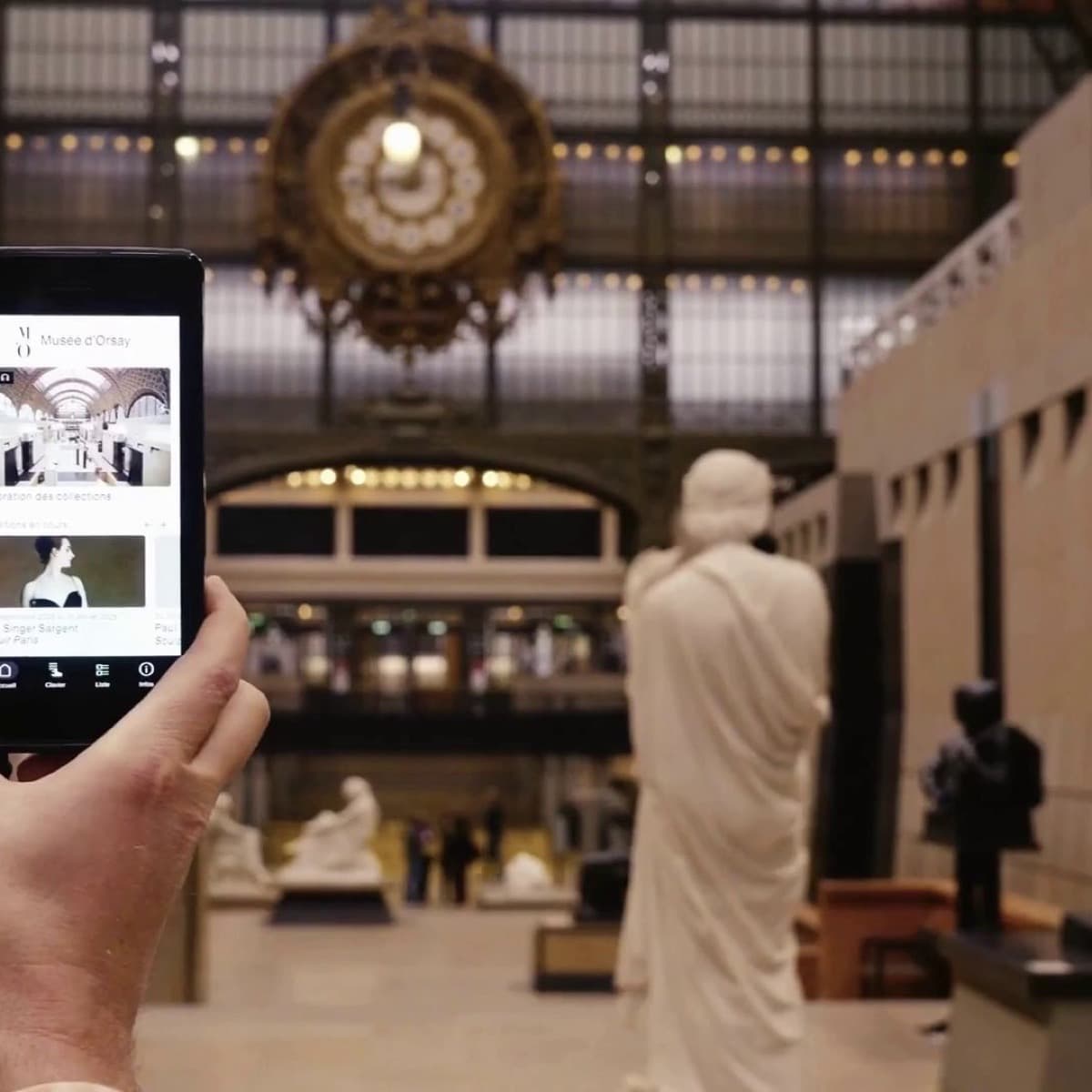
On tablet audio guides, AR and vision-based triggering can use the artwork or object to open the right content. The Smartify app running on Look2Innovate devices powers thousands of these experiences every day: visitors simply scan a painting to hear the corresponding audio. Yale University Art Gallery describes visitors scanning artworks or groups of objects to access additional photography, audio and video.
Camera recognition can reduce installed hardware because there may be no beacon beside each work. It fits paintings, prints and collections where the visual surface is distinctive, especially when the tablet experience already includes images, maps, video, sign-language content or AR layers.
Plan the operational requirements early. The system needs an image database, rights checks, object coverage, camera permission, lighting tests and a route that tolerates visitors holding up a device. Glare, dim rooms, crowds, temporary object moves and similar-looking works can all cause friction. Test vision triggering as part of the visitor interpretation, with the same care as the computer-vision model.
Use a mixed trigger plan for most museums
A good museum trigger plan rarely uses one mode everywhere. Use IR where the boundary must be narrow. Use RF where the museum needs light, battery-powered zone beacons. Use keypad or manual fallback where the visitor must never be stuck. Use tablet BLE, GPS or vision only when the screen experience justifies the extra sensor behaviour.
For guided groups, use guide-side remote triggering when timing matters more than visitor independence. For playful exhibitions, Point & Click or Buzz & Play can make the trigger part of the interpretation. For object labels and traditional galleries, a numbered stop on a dedicated device may still be the clearest answer.
The trigger and the synchronisation cue are separate design questions. With Look2Innovate hardware, an IR, RF, Point & Click, Buzz & Play, keypad or guide-side trigger can start the visitor's audio and also send the timing needed to synchronise with external video, projections, digital signage or show controllers. This is important in immersive rooms, where the guide is part of a wider media system.
Test the final route in the gallery with the actual devices, target placements, visitor density, headphones, cases, lighting and staff reset process. Then load the final content and trigger IDs into Look2Guide CMS so the technical trigger, script packet and analytics all describe the same stop.
FAQ
What is the most accurate triggering mode for museum audio guides?
For narrow automatic stop zones, infrared is usually the most deterministic because it can be aimed at a defined receiving area. For intentional selection, NFC, RFID, Point & Click, Buzz & Play or a keypad can be even clearer because the visitor deliberately chooses the stop.
Are RF triggers accurate enough for museum audio guides?
Yes, when the museum needs robust room or zone triggering. RF beacons can be battery powered, lightweight and tuned for close range. They are less suitable when a trigger must be shaped directionally or separated from a nearby object with very high confidence.
Do Look2Innovate audio guides support Bluetooth beacons?
Look 3 tablet projects can use Bluetooth beacons. Look2Innovate's dedicated audio guide line focuses on purpose-built museum triggering such as IR, RF, RFID, Point & Click, Buzz & Play, keypad and guide-side remote triggering because these are more predictable for daily gallery operation.
Why are Bluetooth beacons less predictable than infrared?
Most Bluetooth beacon triggering uses radio signal strength. That signal can be affected by bodies, walls, glass, metal, neighbouring rooms, beacon battery state, device orientation and scanning behaviour. Infrared needs line of sight, which makes it easier to aim and contain.
Can a tablet audio guide trigger from scanning a painting?
Yes, when the app includes vision or AR recognition and the collection is prepared for it. It works best for visually distinctive objects, especially paintings and prints. It needs testing for lighting, glare, image rights, object moves and similar-looking works.
Does every museum need automatic triggering?
No. Many museums are better served by clear stop numbers and a reliable dedicated device. Automatic triggering is worth adding when it improves the visitor flow, supports accessibility, synchronises media, or removes an action that would otherwise interrupt the exhibition.
Can triggering also synchronise audio guides with video or show controllers?
Yes, with Look2Innovate hardware. The trigger can start the visitor's audio and also provide the timing needed to synchronise with external video, projections, digital signage or show controllers. The synchronisation method still has to be tested in the actual room.